How to Choose the Best Medical Laptop Cart for Your Needs?
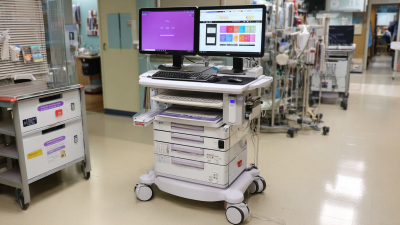
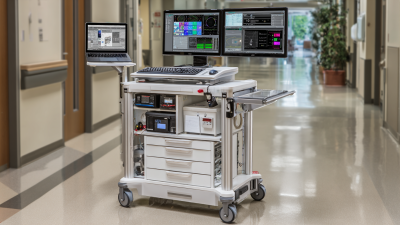
Choosing the right medical laptop cart is crucial for healthcare professionals. These carts must meet specific needs in busy environments. They should enhance mobility, support ergonomics, and offer reliable storage.
When considering a medical laptop cart, think about size and weight. A compact, lightweight cart can easily navigate tight spaces. Look for adjustable height options for comfortable use. Features like a secured laptop tray improve safety and functionality.
Evaluate the material and durability of the cart. Sturdy materials can withstand daily wear and tear. Remember, the design should also allow for easy cleaning, given the sterile nature of medical environments. While there are many models available, finding the perfect fit takes time. Don’t rush the decision.
Understanding the Role of Medical Laptop Carts in Healthcare Settings
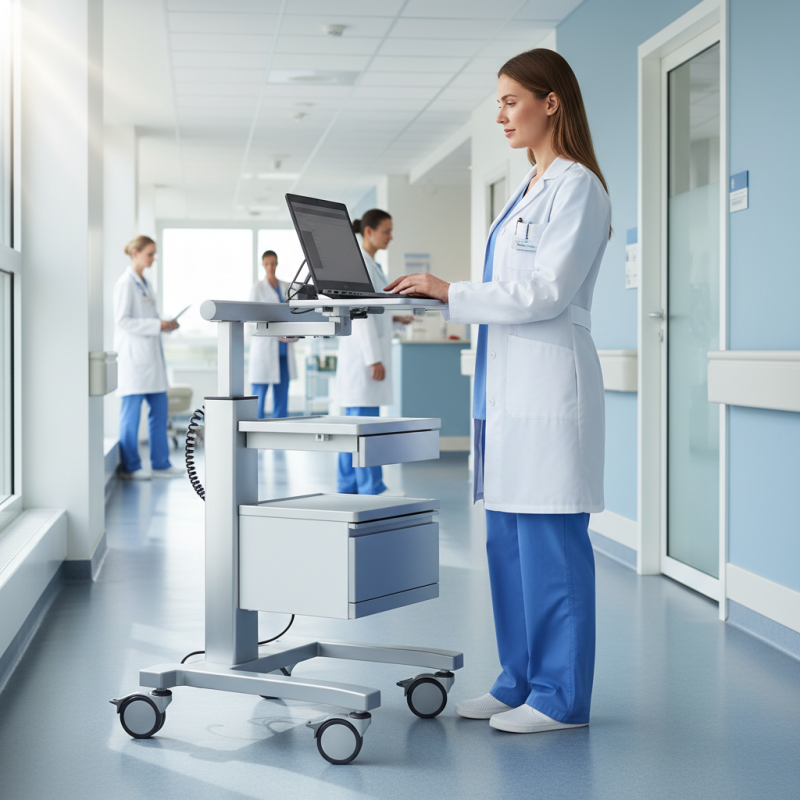
Medical laptop carts play a crucial role in healthcare settings. They improve mobility, allowing healthcare professionals to access patient information swiftly. These carts can be used in patient rooms, nursing stations, and even during emergency situations. With a well-designed cart, the workflow is more efficient. Medical staff can document notes right at the bedside, enhancing patient interactions.
However, not all laptop carts are created equal. Some may lack adequate storage for supplies, leading to frustration. Others might be too heavy to transport easily. When assessing your needs, consider how often the cart will be moved. Examine its height adjustability for comfort during use. What about battery life for powering devices? These factors can make a significant difference in daily operations.
It's important to ensure that the cart is compatible with the devices in use. Mismatched sizes can compromise functionality. Moreover, check how easy it is to clean the surface, especially in sanitization-focused environments. Reflect on user feedback. Sometimes, what seems perfect in design might not work in practice. Prioritizing realistic expectations is essential for choosing the best medical laptop cart.
Key Features to Look for in a Medical Laptop Cart
When selecting a medical laptop cart, several key features are essential to consider.
Start with mobility. A cart should have sturdy wheels for easy navigation through busy hospital corridors. It should glide smoothly, even over uneven surfaces. Stability matters too. Look for a cart that won't tip over easily, especially when reaching for medical supplies or adjusting a laptop.
Ergonomics is another critical aspect. The height should be adjustable to fit various users. A poorly designed cart can cause strain during long shifts. Consider the workspace. Ample surface area is necessary for a laptop, accessories, and even patient charts. Check if the cart offers storage options for equipment.
Battery life is crucial, especially in emergencies. A cart that runs out of power mid-shift can disrupt workflow. Lastly, assess the materials. The cart should be easy to clean and resistant to harsh disinfectants. Finding a balance between functionality and comfort can be challenging, but it's essential for enhancing patient care.
Assessing Ergonomics and User Comfort in Laptop Carts
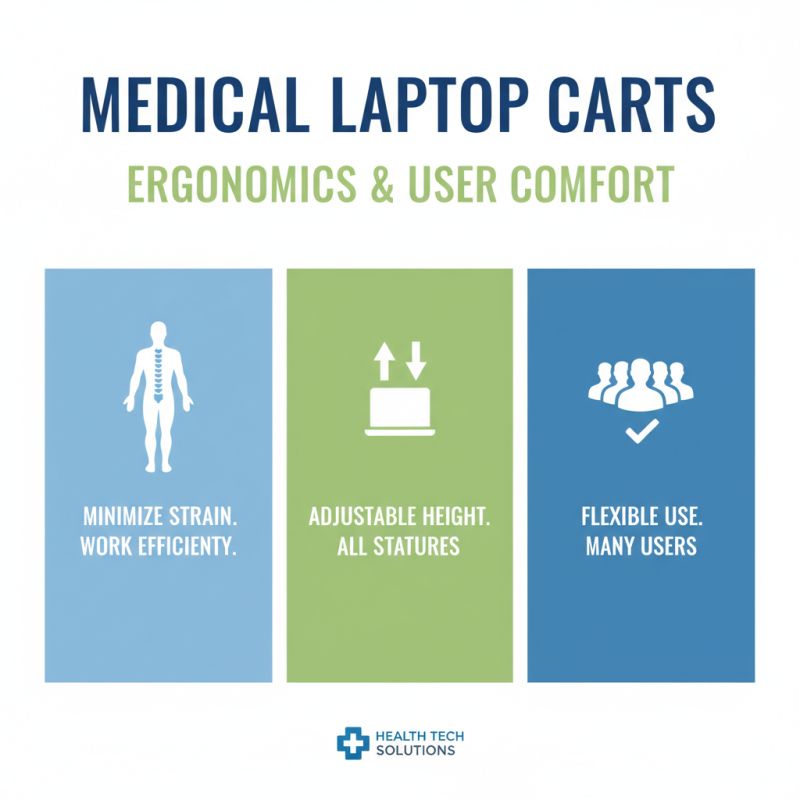
When choosing a medical laptop cart, ergonomics and user comfort are vital. A cart should allow healthcare professionals to work efficiently, minimizing strain. Adjustable height options help users of different statures. This flexibility ensures that many people can use the cart comfortably.
Wheels are another essential feature. They provide mobility, but they need to be stable too. A cart that wobbles while in use can be frustrating. Consider the cart's weight as well. A lightweight design is easy to maneuver, but it should not compromise stability.
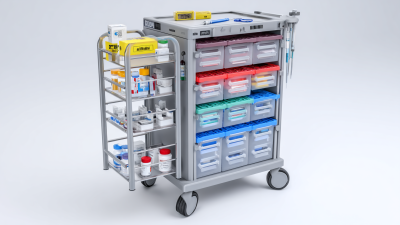
Pay attention to the surface area. It should accommodate a laptop and provide space for documents or medical equipment. If a cart feels cramped, it can lead to a less productive workflow. Also, think about storage. Some carts have built-in compartments. This can help keep supplies organized, but too many compartments may complicate access. Balance is important to meet individual needs.
Evaluating Portability and Mobility for Medical Laptop Carts
When selecting a medical laptop cart, mobility and portability are paramount. Healthcare workers often move between rooms and departments. Therefore, a lightweight design is essential. According to a recent industry report, 70% of medical professionals prefer carts that can easily be maneuvered in tight spaces. A cart's base should have smooth-rolling wheels. This design allows for effortless navigation.
Tips: Look for carts with swivel wheels. This feature enhances maneuverability. Also, consider the weight capacity. A cart should support the equipment without tipping. Many carts weigh around 20 to 30 pounds. However, adding heavy devices can affect stability. Be mindful of load distribution.
Portability also includes battery life. A cart that needs constant plugging can hinder workflow. Medical environments require efficiency. According to recent studies, 60% of healthcare professionals report that frequent charging disrupts patient care. Carts with long-lasting batteries are a worthwhile investment. They reduce downtime and improve service speed. In addition, ergonomic designs enhance usability. Carts should allow for comfortable working heights, preventing strain. Evaluate your specific needs carefully. Consider how frequently the cart will be used and the distance it will travel. A thoughtful choice can make a significant impact.
How to Choose the Best Medical Laptop Cart for Your Needs?
Budget Considerations and Brands in Medical Laptop Cart Selection
Choosing the right medical laptop cart can be challenging. Budget considerations play a significant role in this decision. According to a recent industry report, hospitals typically allocate between $1,000 to $4,000 for medical carts. Understanding these figures can help you establish a budget that meets your needs while ensuring quality.
In selecting a cart, consider the essential features. Basic models may suffice for light use, while more advanced options are better for intensive settings. Features like adjustable height and battery life impact cost. A cart with a longer battery life may seem expensive but can save money in the long run.
Tips: Assessing your workflow is crucial. Determine how many hours a day the cart will be used. Think about the weight capacity needed for your medical devices. Also, consider the durability of the cart. Low-cost carts can wear down quickly, leading to additional expenses. Investing wisely ensures longevity and reliability in a demanding medical environment.
How to Choose the Best Medical Laptop Cart for Your Needs?
| Feature |
Description |
Price Range |
| Weight Capacity |
Maximum weight the cart can hold, essential for supporting laptops and additional equipment. |
$150 - $500 |
| Adjustability |
Ability to adjust height and angle for user comfort and ergonomics. |
$200 - $600 |
| Mobility |
Type and quality of wheels, ease of movement across different surfaces. |
$100 - $400 |
| Storage Options |
Space for storing laptops, accessories, and medical supplies. |
$150 - $500 |
| Power Supply |
Built-in battery or outlet options to keep devices charged during use. |
$200 - $700 |
| Durability |
Material quality and resistance to wear and tear in medical environments. |
$150 - $600 |
| Warranty |
Length and terms of warranty provided by the manufacturer. |
Included with purchase |